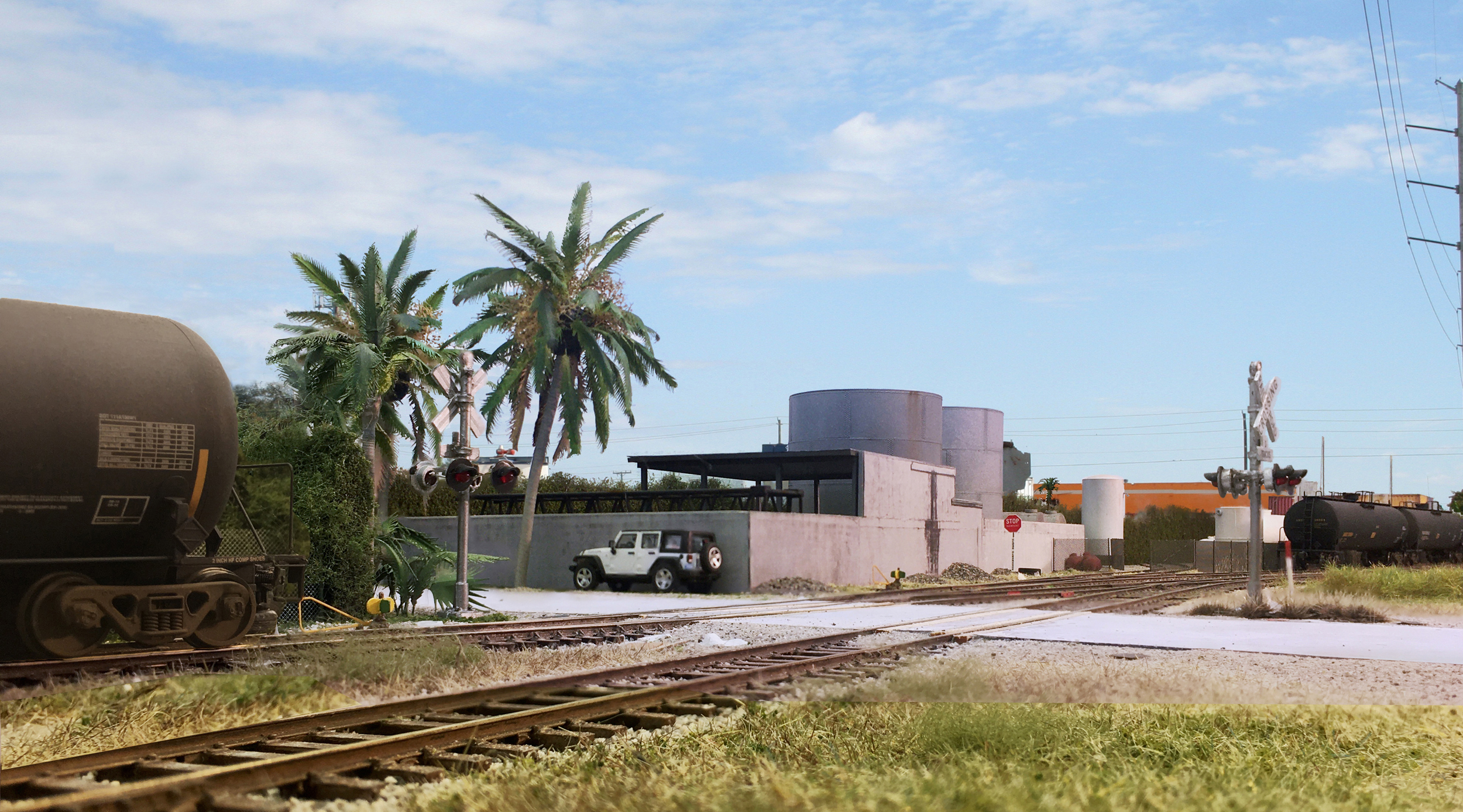
Sungas on the Downtown Spur layout. I used a sky image from the actual site for the background.
For me, the best way to experience my layouts as if I were actually there is through photography. There are limits to how far squinting with one eye just above the layout will take you!
Realism of the model photos is greatly enhanced if you crop in a photo of an actual sky for the background. Looking back at past photos where I’ve done that, I’ve become less than satisfied with how a number of them turned out. The horizon line was the problem. In many cases, I have prototype photos of the area I’ve modeled. Why not use those for the background I crop in?
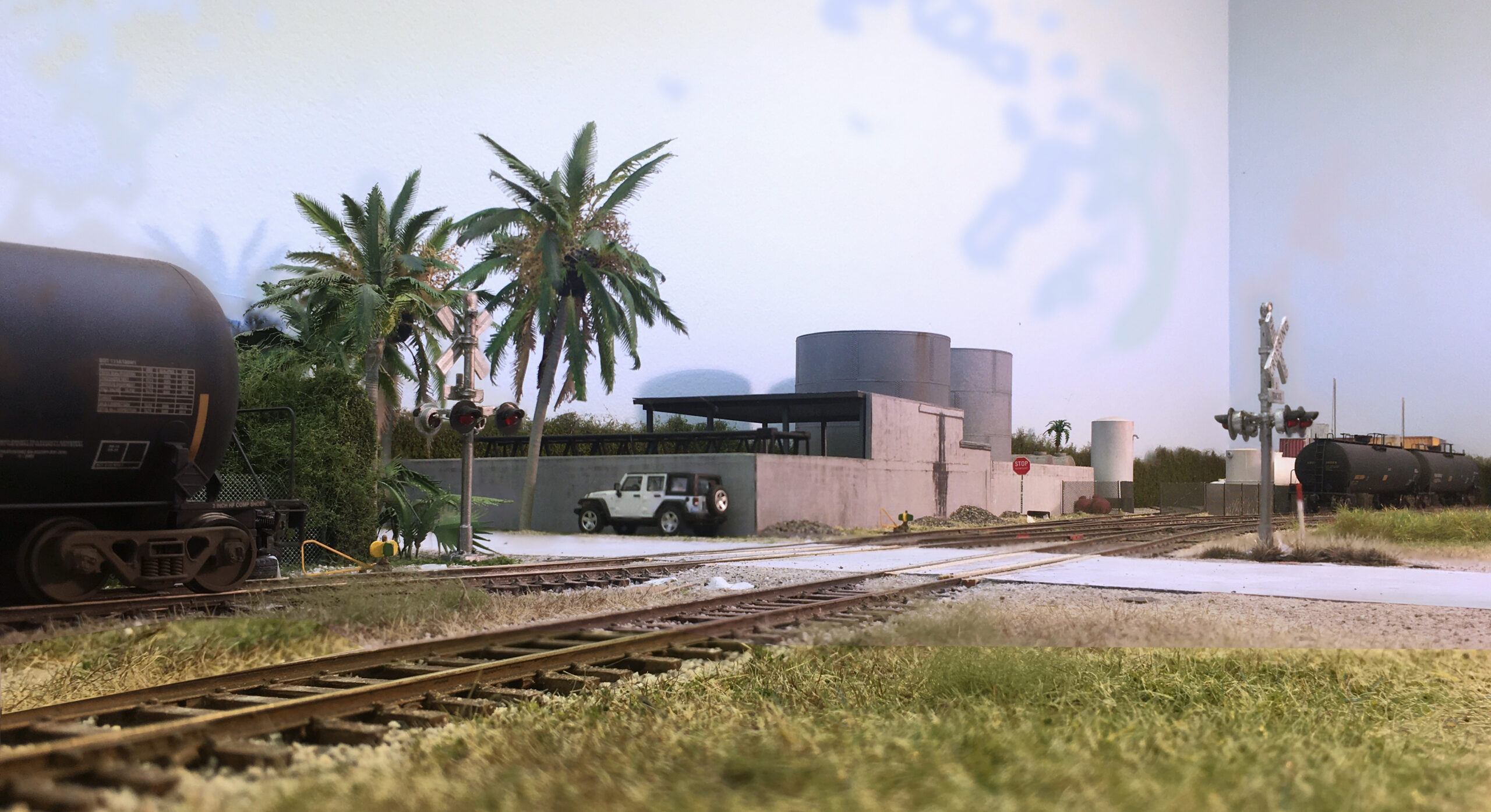
Base photo of the model before cropping in the sky.
I had to work for this one, trial and error with two cellphones and my Canon Rebel. As usual the iPhone 6 gave the most realistic perspective. I left the overhead room fluorescents on but most of the light and shadows came from a 500w photo flood about four feet to the right. This image is a composite of four images combined with Helicon Focus.
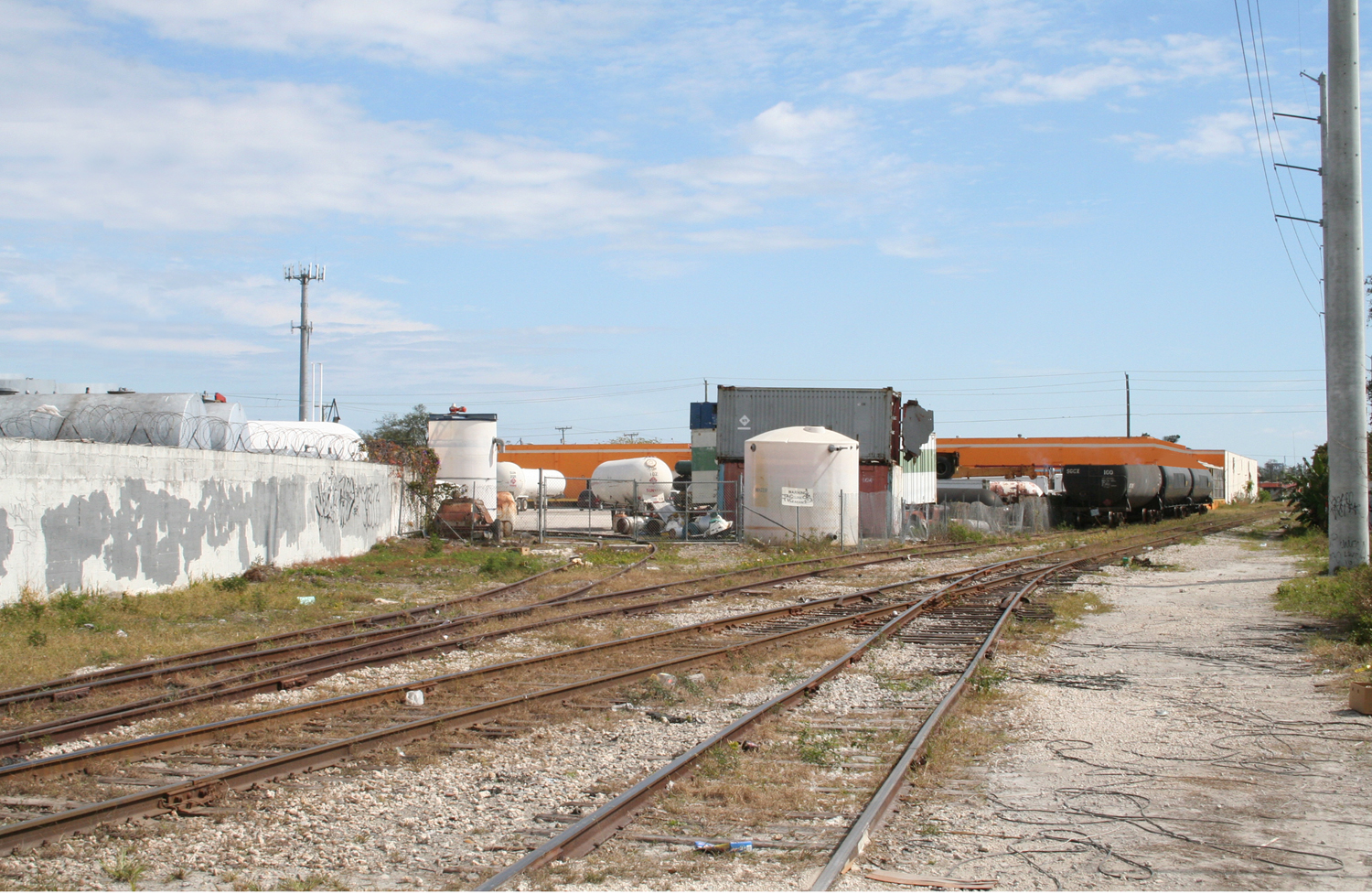
Next, I went back to my rail fan files and found this image taken from 30th Avenue, the prototype location I was modeling. The main thing I wanted was the horizon with the containers and orange warehouse. I needed to copy/paste over the tank cars in the right so they wouldn’t show up.
All I had to do at this point was remove the background of my model photo and copy/paste it over the prototype scene. I use a Corel program for background removal but if you fiddle with the new AI tools those will work too.